![logo-full-landscape-1024-1.png]](https://help.bopple.com/hs-fs/hubfs/logo-full-landscape-1024-1.png?width=100&height=31&name=logo-full-landscape-1024-1.png)
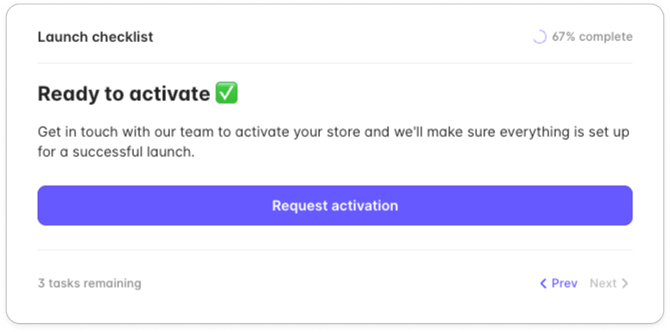
Once you've completed the required items in your launch checklist, your store can be activated so you're ready to take online orders. For most merchants this happens automatically as soon as your trading hours, payment processing, and subscription are all set up — you'll see your store go live without needing to do anything else 🎉
Requesting activation
You might be prompted to request activation so we can help make sure everything's configured for a smooth launch. If that applies to your account, you'll see a step in your launch checklist to Request activation .
When you're ready to activate →
- Start a live chat with our team 💬 using the chat button on this page.
- We'll review your setup to ensure you're good to go.
- We can normally activate your store within the same conversation.
What happens next
Once your store is activated, you'll be able to start taking online orders straight away. We'll also share a few tips for your first week of trading so you can get the most out of the platform from day one.
If you have any questions before then, our team is here to help — just start a chat and we'll get back to you shortly.