![logo-full-landscape-1024-1.png]](https://help.bopple.com/hs-fs/hubfs/logo-full-landscape-1024-1.png?width=100&height=31&name=logo-full-landscape-1024-1.png)
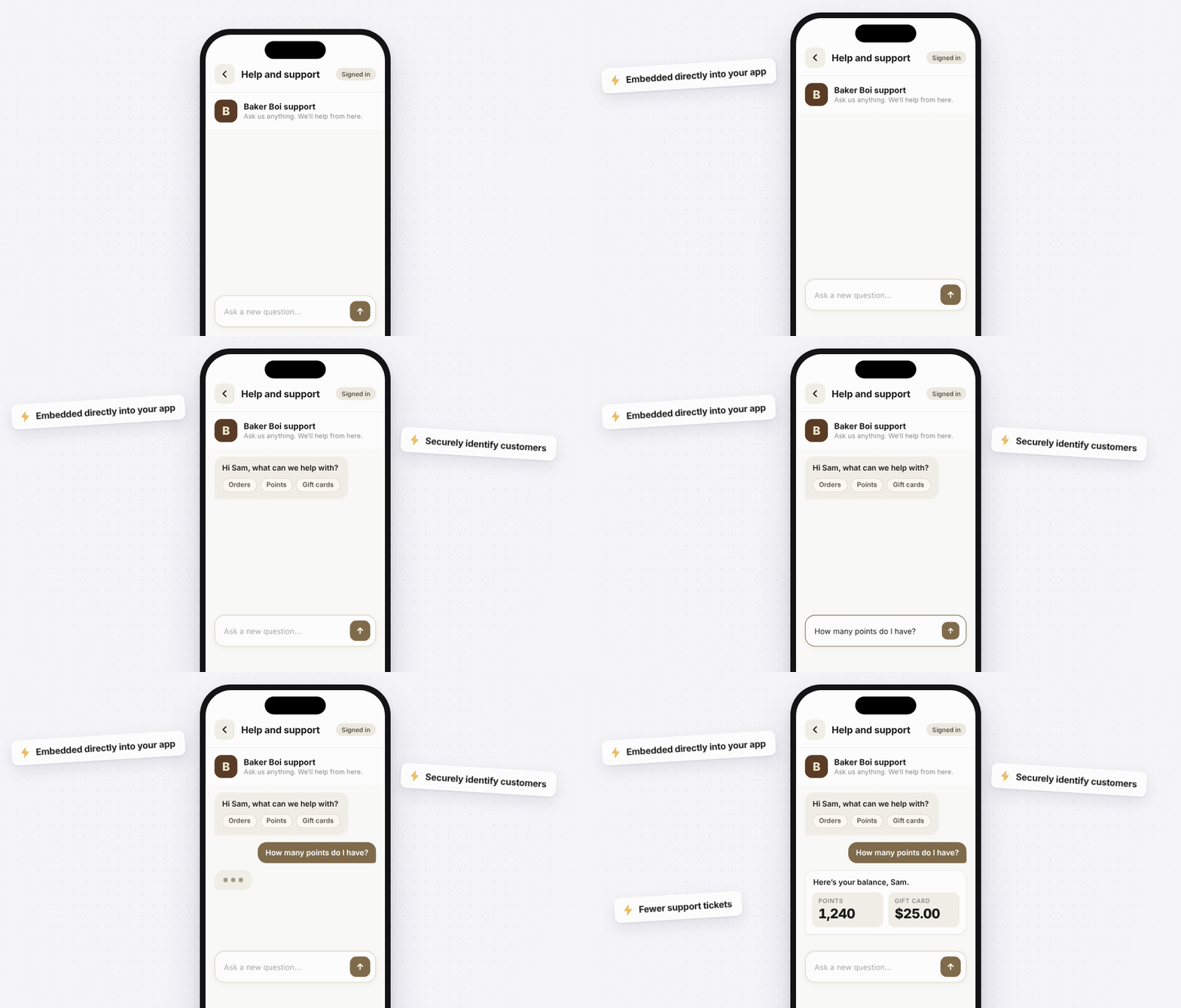
A custom support URL replaces Bopple's Contact support form with your own help tool. When a customer taps Contact support in your app, your chat widget or help desk page opens inside the app, with the customer's details already attached. Use it when you run support through a platform like Intercom, Zendesk or a chat tool of your own, and you'd rather customers land there than in an email form.
Custom support URLs are only available to brands with their own mobile app.
How it helps
With a custom support URL, customers reach your chatbot or helpdesk before they reach your team. That gives them a chance to get their question resolved first, which reduces your support volume ✨
Because we pass the customer’s details along, your tool can look them up and show things like their orders, loyalty points or gift cards, so it can answer account questions without a person.
Set up a custom support URL
Custom support URLs are only available to brands with their own mobile app, and they're set up by the Bopple team. Contact help@bopple.com and send us:
- The URL you want Contact support to open
- A secret, if you want to sign your links (see Signing your links)
Once it's on, the Contact support button opens your URL inside the app and not in the customer's browser.
What we send
Every link includes these:
| Parameter | What it contains |
|---|---|
brand |
Your brand |
app_version |
The version of your app the customer is using |
device_model |
Their phone, e.g. iPhone 17 Pro Max |
device_version |
Their operating system, e.g. iOS 17.1 or Android 14 |
ts |
When the link was created (see Signing your link) |
If the customer is logged in, we add these too:
| Parameter | What it contains |
|---|---|
customer_id |
Their Bopple customer ID |
name |
Their name |
email_address |
Their email |
contact_phone |
Their phone number |
A link might look like this:
https://help.yourbrand.com/chat?brand=acme-coffee&customer_id=48213&name=Sam%20Lee&ts=1793000000
We always send the same parameter names, so you can set up your tool once. We can't rename them or add custom ones.
Signing your links
A link is just text. Without signing, anyone can change email_address in a link and send it to your page, and your page can't tell the difference. Signing fixes that. We add a short code to the link, made from the link's details and a secret only you and Bopple know. If anyone changes the link, the code stops matching.
Turn on signing
- Pick a secret. Make it long and random, like a password. We recommend at least 32 characters.
- Send it to us securely alongside the URL (i.e. via OneTime Secret).
- When we create a link for a customer, we use your secret to work out the signature, then remove the secret from the link before it goes anywhere. Customers never see it, and neither do our apps.
Treat your secret like any other password. Keep it out of your page's front-end code, and don't share it over email or chat.
What we add to your links
| Parameter | What it is |
|---|---|
ts |
When we created the link, as a Unix timestamp (seconds, UTC). Added to every link. |
sig |
The signature. Only added if you have a secret. |
ts, sig and secret are reserved names. If your URL already uses one, we'll overwrite it.
How to verify a request
We sign each link with HMAC-SHA256, using your secret as the key. To check a link is genuine:
- Take the link your page receives and remove the
sigparameter, leaving everything else exactly as it arrived. - Use what's left, the entire link including
https://, as the payload. - Run it through HMAC-SHA256 with your secret and write the result as hex.
- Compare it to the
sigfrom the link. If they match, the link is genuine.
Use the link as it arrived, without decoding or tidying it. If your server sits behind a proxy or CDN, make sure you rebuild the public address we used (the https:// and the domain), not an internal one.
A worked example. With the secret example-secret, this link arrives:
https://help.yourbrand.com/chat?brand=Baker%20Boi&app_version=3.13.3&device_model=iPhone%2017%20Pro%20Max&device_version=iOS%2017.1&customer_id=48213&name=Sam%20Lee&email_address=sam.lee%40example.com&contact_phone=0412345678&ts=1793000000&sig=33e3306859224c9d4c9cee26385b05e460ad8ca11b7855ea2fa73c1d2f8a51ef
Remove the sig parameter, and what's left is the payload:
https://help.yourbrand.com/chat?brand=Baker%20Boi&app_version=3.13.3&device_model=iPhone%2017%20Pro%20Max&device_version=iOS%2017.1&customer_id=48213&name=Sam%20Lee&email_address=sam.lee%40example.com&contact_phone=0412345678&ts=1793000000
Signed with HMAC-SHA256 and example-secret, that gives:
33e3306859224c9d4c9cee26385b05e460ad8ca11b7855ea2fa73c1d2f8a51ef
If your answer matches the sig in the link, you've got it right.
Good to know
- Logged-out customers: If the customer isn't logged in, we only send
brand,app_version,device_modelanddevice_version. We still addts, andsigif you've turned on signing, whether or not they're logged in. - Checking
ts:tsis the time we created the link, not the time the customer tapped it. Be a little lenient for customers who've had the page open for a while. - Changing your secret: Contact us and we'll update it.
Need a hand?
To get a custom support URL set up, or if something isn't clear, contact help@bopple.com.